What is SpectroDraw?
3 min read • Published: Jan 8, 2026
SpectroDraw is a free, browser-based interactive spectrogram editor that lets you
visually draw, edit, and sculpt audio directly in the frequency domain. Think of it
as painting sound: use tools like brushes, lines, rectangles, erasers, and more to
manipulate frequencies on a colorful spectrogram canvas. It's perfect for sound
designers, music producers, audio repair tasks, and anyone experimenting with
creative effects, all without needing to download software.
Available at spectrodraw.com, the core app is completely free, with an optional
Pro upgrade unlocking advanced features (currently available via early access).
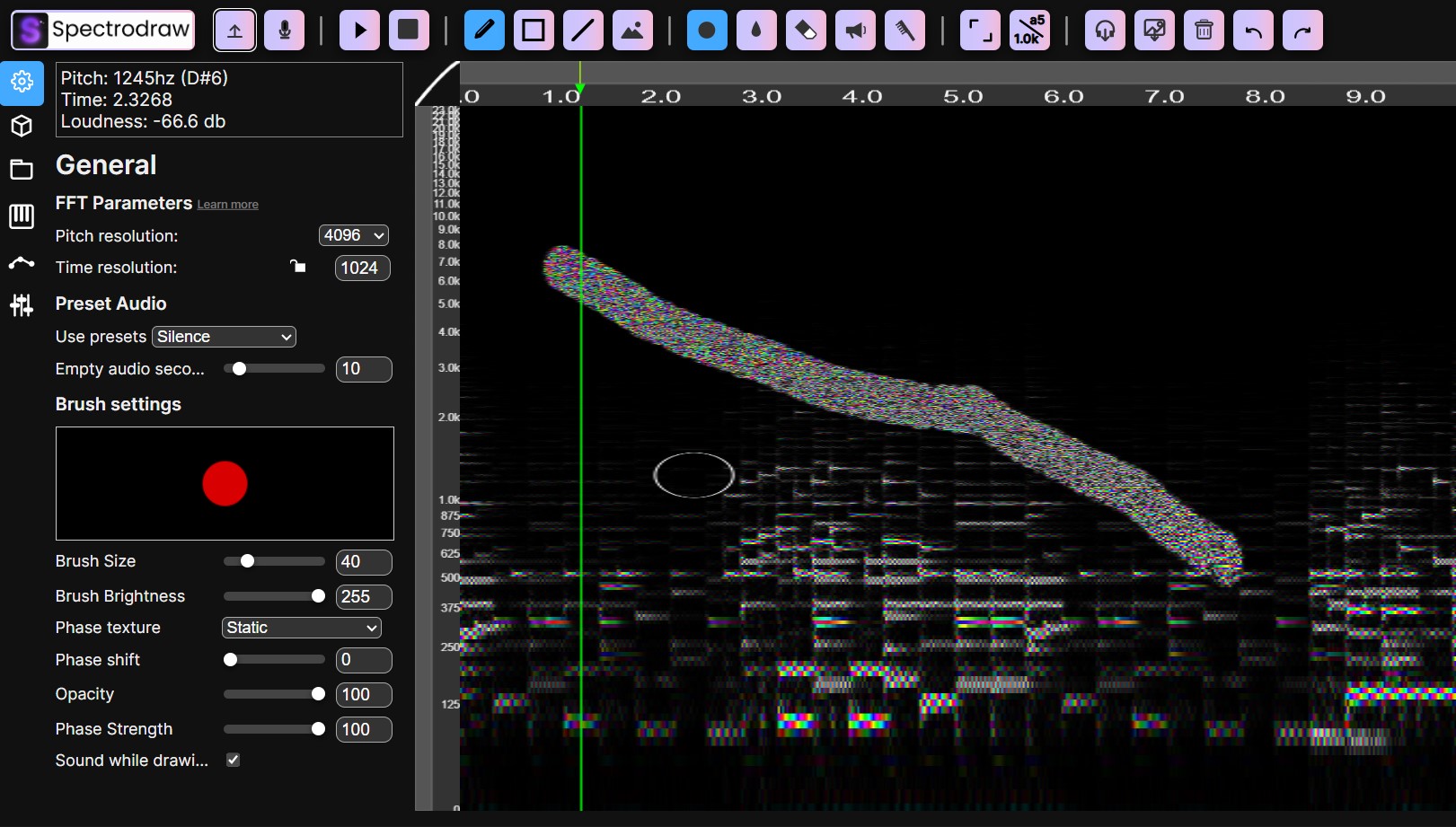
Key Features and Uses
SpectroDraw makes complex spectral editing intuitive by turning audio into a visual playground. Here's what you can do:
Precise Audio Repair and Cleanup: Easily remove unwanted noise, clicks, pops, or background hum. The built-in noise remover tool lets you scrub out artifacts directly on the spectrogram, which is far more targeted than traditional waveform editing. The free version uses a simple threshold-based remover, while Pro offers more advanced options.
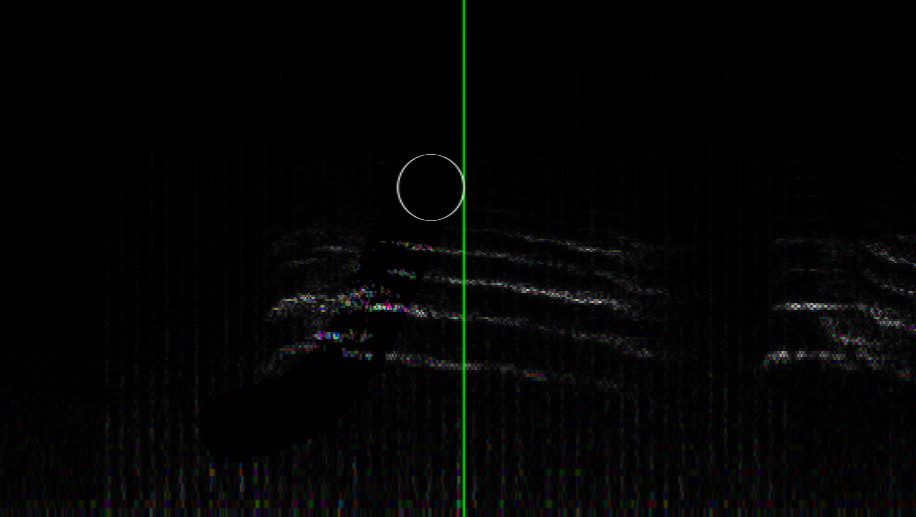 Vocal and Source Separation: Isolate or erase overlapping vocals, harmonies, or instruments. On a spectrogram, different sounds occupy distinct frequency bands and patterns, making it straightforward to erase one voice without affecting others (something AI stem splitters often struggle with).
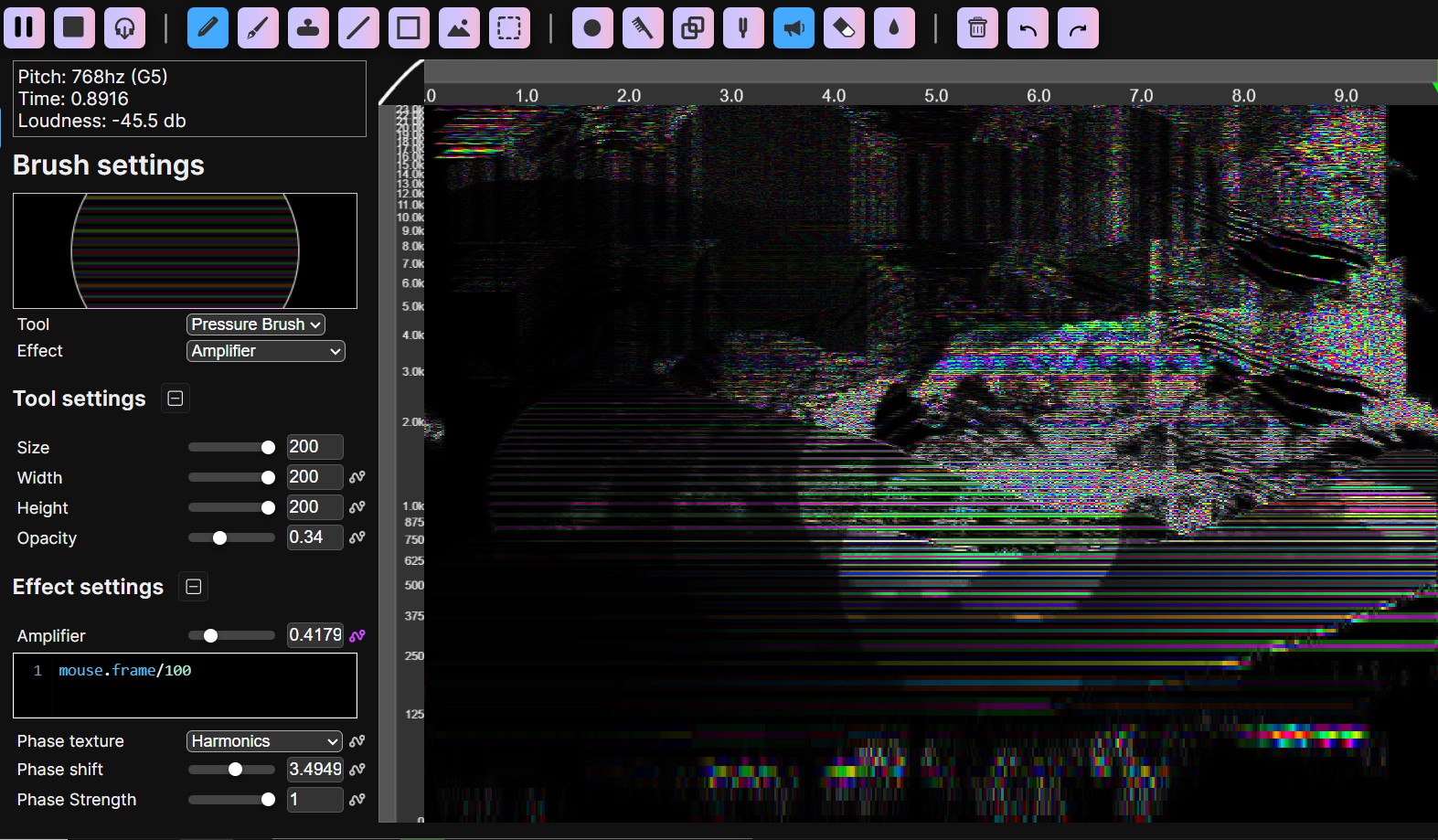
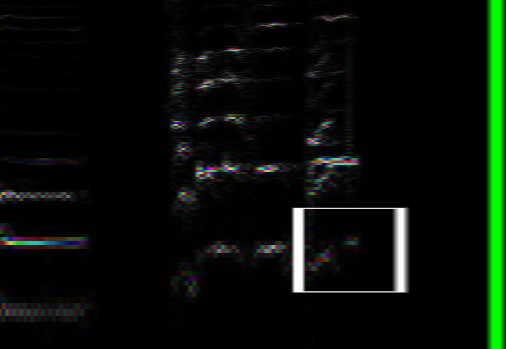 Creative Sound Design and Effects: Draw freehand with brushes, experiment with phase textures, and tweak FFT parameters to create glitchy, alien, or trippy sounds. Pro unlocks extras like the cloner tool, harmonics brush, and advanced texturing for even wilder effects. Mess around casually for fun "alien-ish" textures or carefully craft harmonics for professional results.
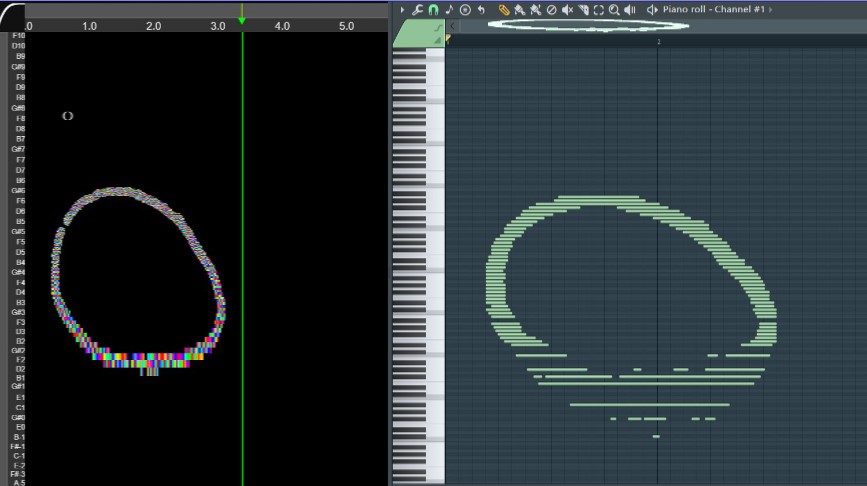
 MIDI Export and Transcription: Convert your edited spectrogram (or uploaded audio) to MIDI. Choose an AI-powered model (BasicPitch) for accurate polyphonic transcription of melodic content, or a non-AI heuristic mode for quirky MIDIs from percussion, SFX, or noise.
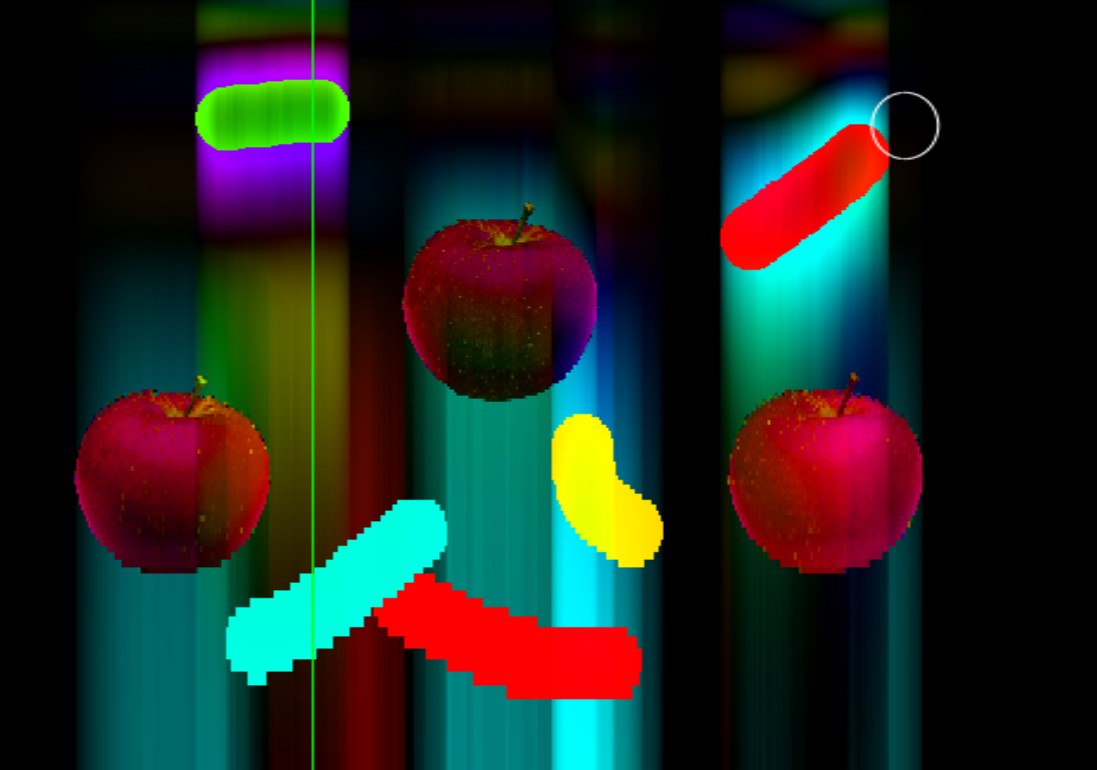
 Unique Color Representation: Unlike standard spectrograms that use only brightness for amplitude, SpectroDraw encodes phase (the waveform's timing offset) as hue/color. This allows lossless round-trip conversion (audio ↔ image ↔ audio) and adds an extra creative dimension: draw in different colors to influence the sound.
Read more about phase
Why It Stands Out
Compared to traditional waveform editors or even advanced tools like SpectraLayers, SpectroDraw emphasizes playfulness and accessibility. It's great for learning audio concepts (e.g., seeing harmonics and overtones clearly) while being powerful enough for real production work. As one user (a producer) notes: "It's incredibly handy for quick noise removal in recordings and manual vocal separation when sampling".
Upcoming additions include a VST/AU plugin for DAW integration and an iOS app for on-the-go editing.
Dive in and start painting your sounds today!
Launch App