Desktop • VST/AU
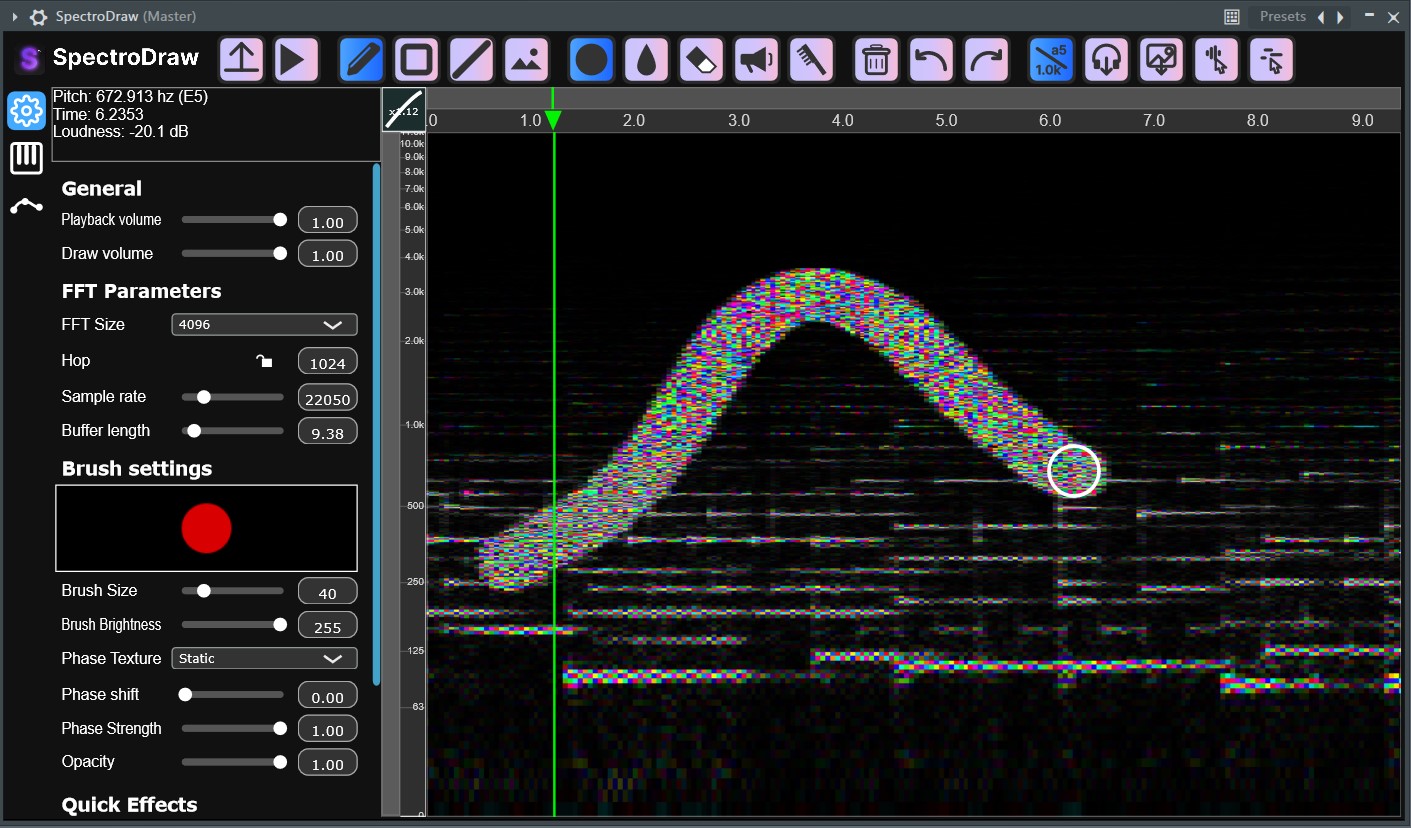
VST/AU plugin
Bring SpectroDraw directly into your favorite DAW like Logic, Ableton, and FL Studio. Edit spectral content and create samples without leaving your DAW.
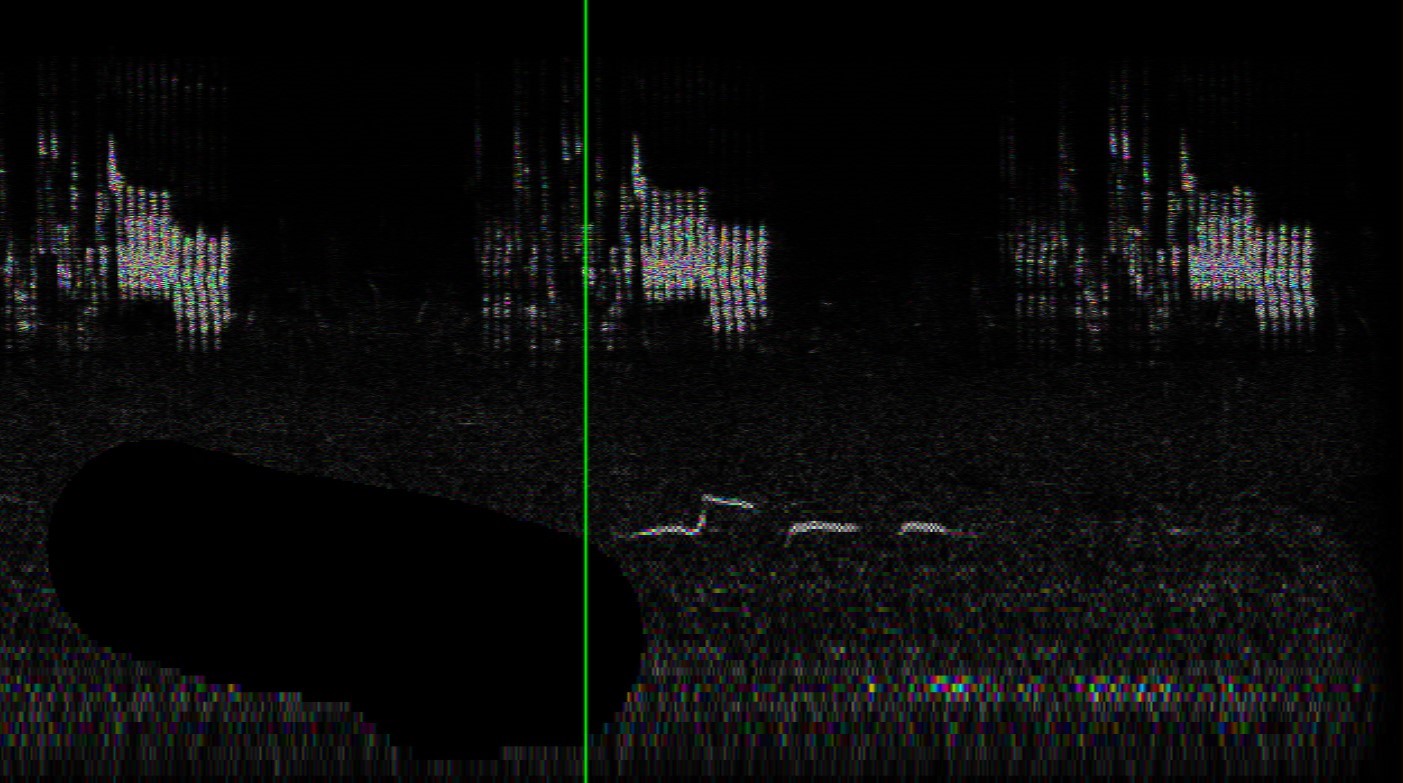
SpectroDraw’s interactive spectrogram lets you paint frequency content directly, adding a new dimension to sound design. Create sound effects, convert to midi, and more.
Use SpectroDraw’s tools (brush, rectangle, line, blur, amplifier, noise removal, and image overlay) to craft textures and fx quickly.
Generate clean MIDIs from songs easily, powered by AI.

Take your sound design further with SpectroDraw Pro, the next evolution of our interactive spectrogram editor. With new tools like cloner, autotune, stamp, selection, and sprites, SpectroDraw Pro turns the spectrogram into a true art canvas. Stereo support brings a third dimension of color, allowing you to draw images with all three color channels. Advanced tools like the synth brush and piano mode creates many oppurtunities for sound experimentation.
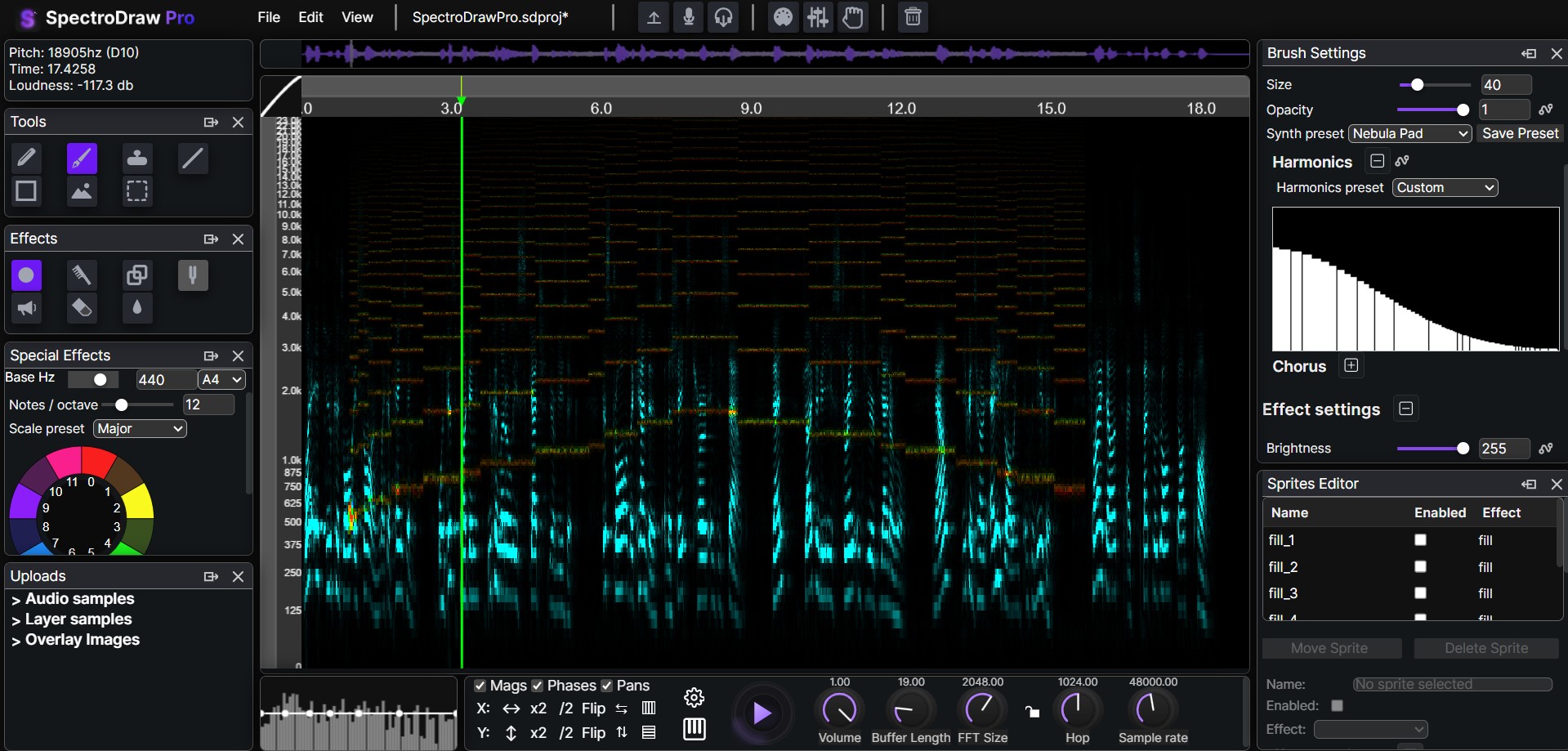
| Feature | Basic | Pro |
|---|---|---|
| Adjustable Spectrogram Resolution | ✅ | ✅ |
| Spectrogram Painting Tools | ✅ | ✅ |
| Equalizer | ✅ | ✅ |
| AI-powered MIDI Conversion | ❌ | ✅ |
| Stereo Support | ❌ | ✅ |
| Sprite-based editing | ❌ | ✅ |
| Cloner Tool | ❌ | ✅ |
| Synth brush | ❌ | ✅ |
| Region Selection | ❌ | ✅ |
| Live MIDI Playback | ❌ | ✅ |
| Effect Automation | ❌ | ✅ |
| Isolate and Edit Frequencies | ❌ | ✅ |
SpectroDraw began as a web application, but it has since been recoded into a plugin. Development is also planned for an iOS version of SpectroDraw, which is currently projected to be released in 2027.
Bring SpectroDraw directly into your favorite DAW like Logic, Ableton, and FL Studio. Edit spectral content and create samples without leaving your DAW.
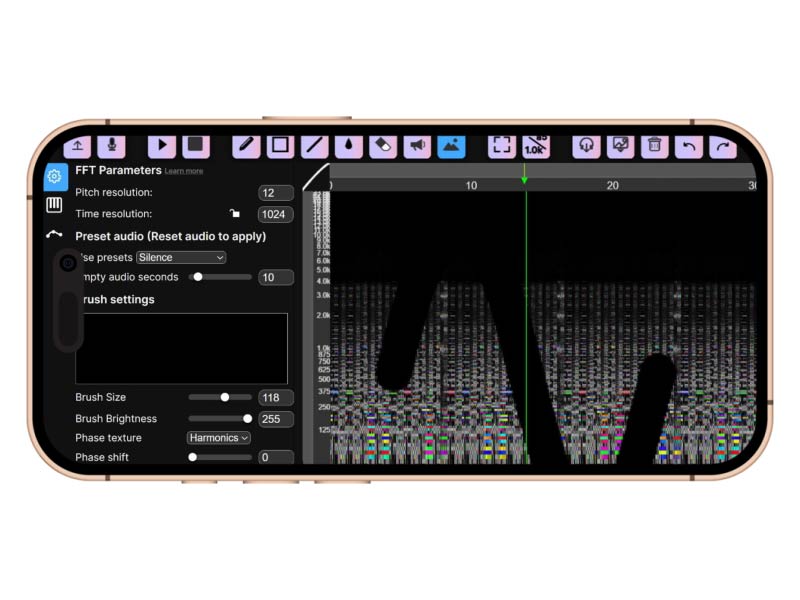
Interactive spectrogram editing on the go: draw, edit, and export while capturing ideas on iPhone and iPad.
Our mission is to make sound design as natural and creative as drawing on a canvas, turning audio editing into an intuitive, visual experience accessible to everyone. Paint frequencies, sculpt harmonics, and transform audio into creative ideas fast.
We believe audio editing should be visual and playful for students learning audio concepts and sound designers creating effects. Our goal is to allow any sound imaginable to be drawn on the spectrogram.
I have been making beats, remixes, EDM, and phonk since 2020. One thing I've always wanted is a tool that makes audio editing less complicated and more intuitive. As a creator, I know how overwhelming traditional DAWs and audio editors can be, especially when you just want to experiment, remix, or shape sounds quickly. That's why I made SpectroDraw, which can let you interact with audio visually and creatively, making the process of editing, remixing, and designing music much more accessible and fun for everyone.